
If your power wheelchair or mobility scooter emits a loud beep every time you reverse, you’re not alone. The backup beeper—a standard safety feature on most electric wheelchairs—activates automatically in reverse to alert others nearby. While designed for safety, many users find the constant beeping disruptive, especially in quiet homes, libraries, or for those with sensory sensitivities. Some report anxiety, discomfort, or even distress in pets when the horn sounds.
This guide delivers verified, model-specific methods to disable or mute the backup beeper across popular power wheelchairs and scooters. From simple button combos to physical modifications, we cover safe, reversible techniques that work—plus warnings about warranty risks and alternatives when disabling isn’t possible. Whether you own a Wheellator, ComfyGo, Pride Jazzy, or Rubicon model, this step-by-step resource helps you reclaim quiet operation without guesswork.
Identify Your Wheelchair Model
Before attempting any fix, confirm your exact model and controller type. Methods vary drastically—even within brands—due to different control boards and firmware versions. Check:
– Labels on the joystick, battery compartment, or rear shroud
– Owner’s manual or purchase receipt
– Online listings if purchased secondhand
Using the wrong method can fail or trigger error codes. Always match the solution to your specific unit.
Check for Digital Display
Wheelchairs with digital screens (e.g., Wheellator, ComfyGo) often support software-based beeper toggles. Those without displays (e.g., Pride Jazzy Carbon) rely on button combinations or physical disconnection.
Wheellator Hybrid: Mute via Menu
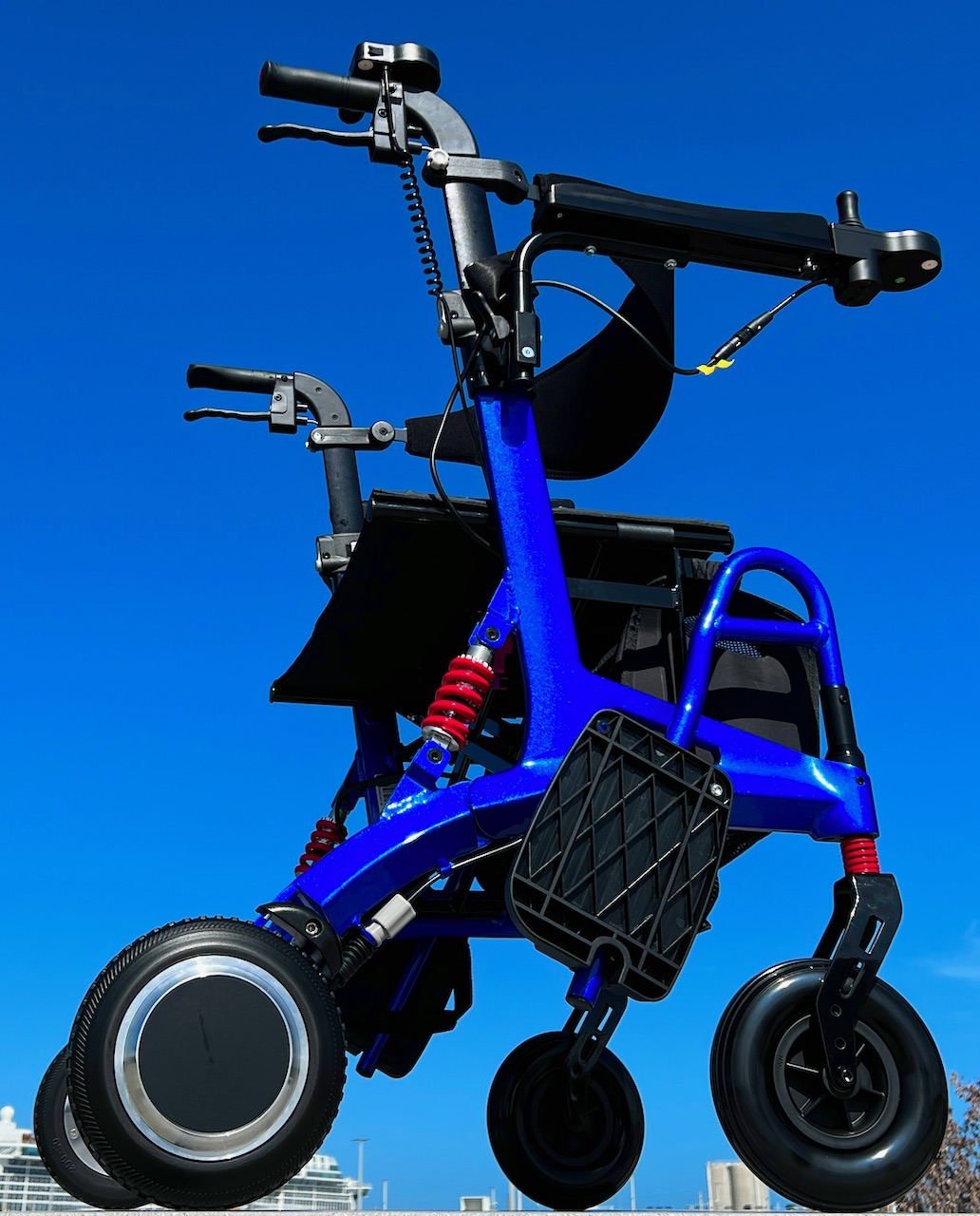
Enter Setup Mode
- Power on the wheelchair.
- Press and hold the power button and plus (+) button together.
- Wait for the display to show “U” followed by “1-2”—this confirms setup mode.
Disable Backup Horn
- Press the horn button once—screen shows “1-2” (beeper active).
- Press the horn button again to select.
- Use the minus (–) button to change the second digit from “1” to “0”.
- Final setting should read “5-0” (5 = horn function, 0 = off).
Save Settings
Press and hold the power button to exit and save. The change is permanent until reversed. Reversing no longer triggers the beep—confirmed by user testing.
Tip: To re-enable, repeat steps and set to “5-1”.
ComfyGo Majestic IQ9000: Use C1 Code
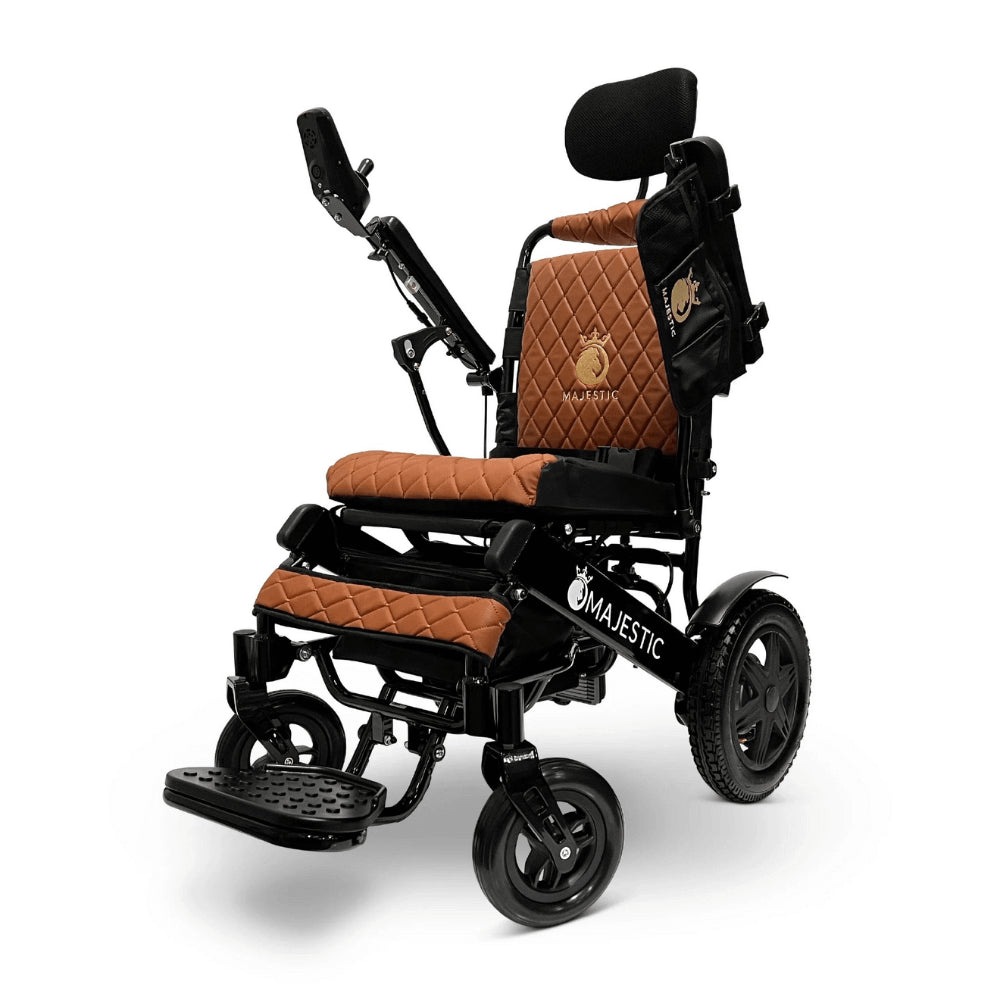
Access Hidden Settings
- Press and hold the plus button until C0 appears.
- Press the horn button once to advance to C1.
Disable Beep
- Alternately press plus → minus → plus → minus until 01 appears.
- Press the horn button again—display may turn off.
- Restart the wheelchair.
The reverse beeping should now be silent.
Note: The official manual method fails on many units. This updated sequence was confirmed through direct contact with ComfyGo support after users submitted video proof.
Pro Tip: If it doesn’t work, ensure timing is precise—each button press should be deliberate, not rushed.
Rubicon 14 (DX14): Button Combo Toggle
Turn Off Backup Horn
- Hold horn button and forward (positive) button simultaneously.
- Wait for indicator lights to flash or change color.
- Release both buttons.
- Within two seconds, press the horn button once.
Re-enable Anytime
Repeat the same steps. The setting toggles on/off with each use.
Advantages:
– No tools needed
– Fully reversible
– Horn function remains active
– Works across power cycles
User Confirmed: Widely tested on Rubicon DX14 and BC-E-A8000 models.
CWU Carbon Fibre: 30-Second Hold
Disable Reverse Beep
- Power on the wheelchair.
- Press and hold speed decrease and horn button together.
- Hold for 30 seconds.
Wait for the system to respond—often with a single confirmation beep or light pulse. After this, reversing will occur silently.
Re-enable Beep
Hold speed increase and horn button for 30 seconds.
Why It Works: This long-press triggers a firmware-level mute, stored in memory. Ideal for users who want to toggle quiet mode as needed.
Pride Jazzy Carbon: Simple Two-Button Fix
Silence the Alarm
- Turn power on.
- Press and hold the horn button and left speed control (reverse assist) together.
No display required. The beeper disables instantly.
Restore Later
Repeat the same button press to re-enable.
Verified On: Multiple Jazzy Carbon units. One of the easiest methods—no menu navigation, no timing.
Livewell Instafold: Horn + Slow Button
Mute the Beep
- Press and hold the horn button and slow (speed down) button.
- Hold until the system responds—usually a light blink or soft beep.
No official documentation exists, but this method aligns with shared controller firmware used across budget mobility scooters.
User Source: Shared by “Few_Ad_2867” in online mobility forums. Success reported across several units.
Reversible? Likely yes—try the same combo to restore.
Transformer Scooter: Unplug the Buzzer

Access Rear Shroud
- Remove Velcro strips on both sides above rear wheels.
- Unscrew two top screws and two bottom screws on rear panel.
- Gently detach the shroud to expose internal wiring.
Locate and Disconnect Buzzer
- Find the small cylindrical buzzer with two wires.
- Unplug its connector from the control board.
Warning: On older models, this may also disable the horn function.
Warranty Risk: High—physical disconnection can void warranty if detected.
Non-Destructive Alternative
Instead of unplugging, use foam padding or electrical tape to muffle the buzzer. Reduces noise by up to 80% without permanent changes.
Illusion Scooter: Try Universal Combo
No Working Manual Method
The official instructions (page 20) fail for many users, including “ConstructionCrazy821”.
Workaround Solution
Try the horn + speed down button hold (same as Livewell Instafold). If no response:
1. Open joystick housing.
2. Identify controller part number (e.g., PG Drive, Dynamic Controls).
3. Search online for “[part number] service manual PDF” to find hidden menus.
Many controllers support mute functions not listed in user manuals.
Air Hawk: No Disable Option
Official Policy
Air Hawk considers the backup beeper a non-adjustable safety feature. No software toggle, app setting, or button combo disables it.
Safe Alternatives
- Muffle the speaker: Cover with tape, foam, or hot glue.
- Use noise-canceling headphones if sound causes pain.
- Request firmware update: Contact support to advocate for a mute option.
Warning: Any physical modification voids warranty and may trigger error codes.
General Troubleshooting Tips
When Button Combos Fail
- Verify controller model under the joystick.
- Search for service manual using part number.
- Look for hidden menus accessed via timed button presses.
- Contact manufacturer with video proof of failed attempts—some provide updated instructions.
Common Mistakes to Avoid
- Incorrect timing: Holding buttons too short or too long.
- Wrong sequence: Pressing buttons in wrong order (e.g., minus before plus).
- Ignoring firmware version: Older units may not support newer methods.
Pro Tip: Film your attempt—if it fails, send it to customer support with your model number.
Physical Modifications (Last Resort)
Disconnect Buzzer
- Locate the piezo buzzer near the controller or joystick.
- Unplug the two-pin connector.
- If hardwired, cut and insulate wires with electrical tape.
Risks:
– May disable horn
– Could trigger system alerts
– Void warranty
Dampen Sound (Safer)
- Apply closed-cell foam over buzzer
- Wrap in self-fusing silicone tape
- Seal with non-conductive hot glue
Reduces volume significantly while preserving safety function.
Professional Solutions
Contact Manufacturer
Reach out to customer support with:
– Model and serial number
– Video of failed attempts
– Request for:
– Firmware update with mute option
– Reprogramming service
– Exchange for quieter model
Success Story: A ComfyGo user got working instructions only after submitting video proof.
Consult a Mobility Technician
A certified tech can:
– Reprogram the control module safely
– Install a switchable mute module
– Modify without voiding warranty (if authorized)
Worth the cost if you want a clean, reversible solution.
Summary Table: Fast Reference
| Model | Disable Method | Reversible? | Tools Needed | Warranty Risk |
|---|---|---|---|---|
| Wheellator Hybrid | Power + Plus → Horn → 5-0 | Yes | None | Low |
| ComfyGo IQ9000 | C0 → C1 → 01 → Restart | Yes | None | Low (via support) |
| Rubicon 14 | Horn + Forward → Horn press | Yes | None | None |
| CWU Carbon Fibre | Horn + Speed Down (30 sec) | Yes | None | None |
| Pride Jazzy Carbon | Horn + Left Speed Button | Yes | None | None |
| Livewell Instafold | Horn + Slow Button | Likely | None | Low |
| Transformer Scooter | Unplug buzzer | Yes (if reconnected) | Screwdriver | High |
| Air Hawk | Not supported | No | — | Very High |
Final Recommendations
Prioritize Safe, Reversible Methods
- Start with button combos—they’re free, fast, and non-invasive.
- Use sound dampening if software methods fail.
- Contact support with evidence—many companies help when shown real user need.
- See a technician for permanent, warranty-safe reprogramming.
For Future Purchases
Choose models with:
– Mute modes
– Adjustable alerts
– Silent reverse options
Ask sellers: “Can the backup beeper be disabled?” before buying.
Balance Safety and Comfort
Disabling the beeper removes an important alert for others. Consider:
– Using it only at home
– Warning others verbally when reversing
– Keeping the horn functional for emergencies
Your comfort matters—but so does awareness.
Conclusion
You can disable the backup beeper on many wheelchairs using simple, verified methods. Models like the Wheellator, ComfyGo, Rubicon, and Jazzy Carbon support easy toggles via button sequences or menu settings. Others, like the Transformer scooter, require physical disconnection—risky but effective. For Air Hawk and similar brands, disabling isn’t supported, but sound dampening offers a practical fix.
Always prioritize reversibility and safety. Try non-destructive methods first, consult customer support with evidence, and consider professional help when needed. With the right approach, you can enjoy quiet, stress-free mobility without sacrificing functionality.